


TL;DR
Compare ScrapeGraphAI and Firecrawl on AI scraping features, pricing, speed, and use cases to choose the right data extraction tool.
Both ScrapeGraphAI and Firecrawl are modern AI-powered web scraping tools — but they're solving different problems.
ScrapeGraphAI extracts structured, schema-validated JSON data from any website using natural language prompts. It's built for developers who need clean, typed output for data pipelines, AI agents, and applications. Firecrawl converts entire websites into clean Markdown or HTML, optimized for feeding LLMs, RAG pipelines, and content ingestion workflows.
If you need structured data extracted from a page → ScrapeGraphAI. If you need clean page content for an LLM to read → Firecrawl.
But the reality is more nuanced. Both tools now offer overlapping features, and choosing the wrong one can mean weeks of downstream rework. This guide breaks it all down.
What is ScrapeGraphAI?
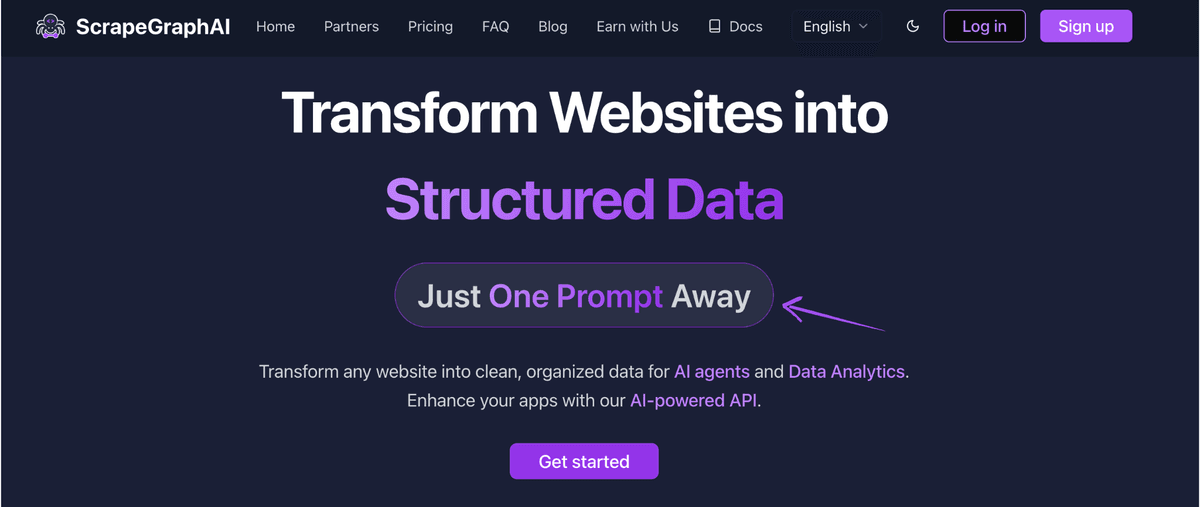
ScrapeGraphAI is an AI-powered web scraping API that uses large language models to extract structured data from any website. Instead of writing XPath selectors or CSS rules, you describe what you want in plain English — and get back validated, typed JSON.
The core API is called Extract. You pass a URL and a natural language prompt, optionally with a Pydantic schema, and the AI returns exactly the fields you specified. No selectors. No maintenance when the website changes layout.
Key capabilities
- Natural language extraction — describe data in plain English
- Schema-based output — define Pydantic models for guaranteed type safety and validation
- Automatic adaptation — AI handles website layout changes without code updates
- Search — search the web and extract data from multiple pages in one call
scrapewithmarkdownformat — convert any page to clean Markdown (LLM-ready)- LangChain & LangGraph integration — use as a tool inside AI agents
- Python and JavaScript SDKs
How to use ScrapeGraphAI
The simplest use case — extract structured data with a prompt:
from scrapegraph_py import ScrapeGraphAI

sgai = ScrapeGraphAI()  # uses SGAI_API_KEY env var

response = sgai.extract(
    url="https://news.ycombinator.com",
    prompt="Extract the top 10 stories: title, score, and URL for each",
)

print(response.data.json_data)
For production use with schema validation:
from pydantic import BaseModel, Field
from typing import List
from scrapegraph_py import ScrapeGraphAI

class Story(BaseModel):
    title: str = Field(description="Story title")
    score: int = Field(description="Points/upvotes")
    url: str = Field(description="Link to the story")
    comments: int = Field(description="Number of comments")

class HNFeed(BaseModel):
    stories: List[Story]
    timestamp: str = Field(description="When the data was extracted")

sgai = ScrapeGraphAI()  # uses SGAI_API_KEY env var

response = sgai.extract(
    url="https://news.ycombinator.com",
    prompt="Extract the top 10 Hacker News stories with their scores and comment counts",
    schema=HNFeed.model_json_schema(),
)

feed = response.data.json_data
for story in feed['stories']:
    print(f"[{story['score']}] {story['title']}")
Using ScrapeGraphAI as a tool inside a LangChain agent:
from langchain.agents import initialize_agent, AgentType
from langchain.tools import tool
from langchain_anthropic import ChatAnthropic
from scrapegraph_py import ScrapeGraphAI

sgai = ScrapeGraphAI()  # uses SGAI_API_KEY env var

@tool
def extract_from_url(url: str, prompt: str) -> str:
    """Extract structured data from a URL using a natural language prompt."""
    response = sgai.extract(url=url, prompt=prompt)
    return str(response.data.json_data) if response.status == "success" else response.error

llm = ChatAnthropic(model="claude-opus-4-6")

agent = initialize_agent(
    tools=[extract_from_url],
    llm=llm,
    agent=AgentType.ZERO_SHOT_REACT_DESCRIPTION,
    verbose=True,
)

result = agent.run(
    "Go to https://example.com/pricing and extract all plan names and their monthly prices"
)
print(result)
ScrapeGraphAI Pricing
| Plan | Price | Credits/month |
|---|---|---|
| Free | $0 | 500 one-time credits |
| Starter | $20/month | 10,000 credits |
| Growth | $100/month | 100,000 credits |
| Pro | $500/month | 750,000 credits |
| Enterprise | Custom | Custom |
ScrapeGraphAI Pros and Cons
Pros:
- Best-in-class structured data extraction with schema validation
- Natural language prompts — no XPath, CSS selectors, or recording
- AI adapts when websites change — near-zero maintenance
- Native integration with AI frameworks (LangChain, LangGraph, CrewAI)
- Affordable starting price with a free tier Cons:
- Slightly slower than Firecrawl for raw content fetching (LLM processing adds latency)
- Full site crawling is less mature than Firecrawl's crawler
- Best suited for developers with some Python/JS experience
What is Firecrawl?
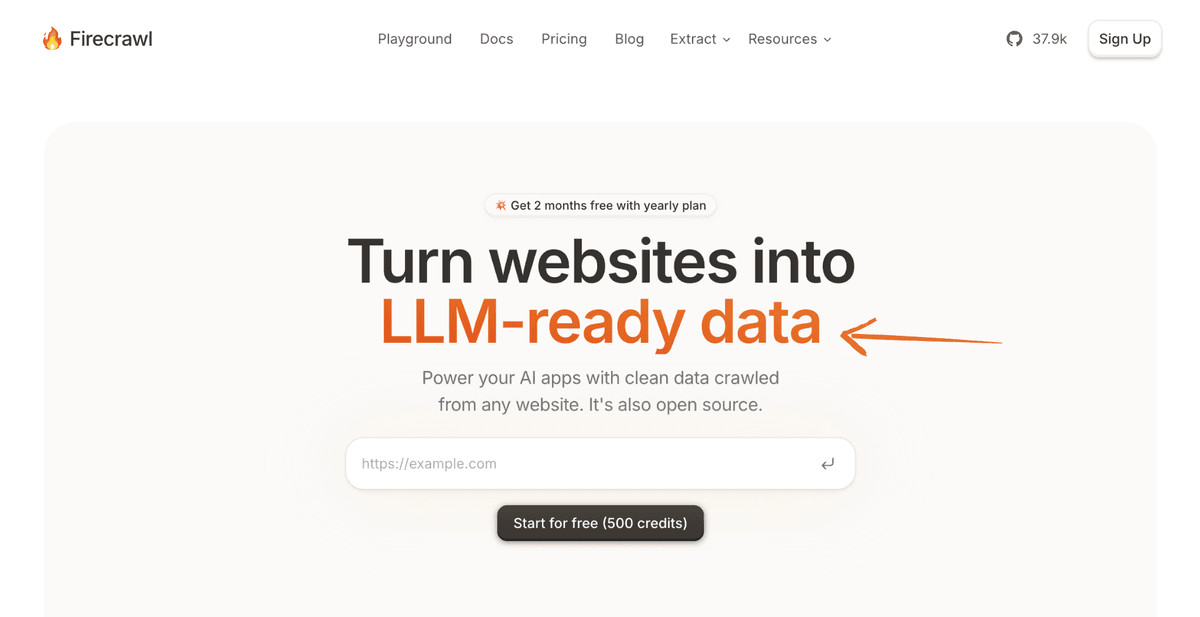
Firecrawl is a web crawling and content extraction API built specifically for LLM applications. Its primary output is clean Markdown — web pages with all the HTML noise stripped away, ready to be passed directly to an LLM or vector database.
Beyond single-page extraction, Firecrawl excels at full website crawling — following links, respecting sitemaps, and collecting clean Markdown from every page. This makes it the go-to tool for building RAG systems, documentation ingestion pipelines, and AI knowledge bases.
Key capabilities
- Scrape API — convert any URL to clean Markdown or structured JSON
- Crawl API — recursively crawl an entire website and return all pages as Markdown
- Map API — get a list of all URLs on a website
- Extract API — LLM-powered structured data extraction with schema support
- Webhooks — receive data in real-time as pages are crawled
- JavaScript rendering — handles SPAs and dynamic content
- Python and JavaScript SDKs
How to use Firecrawl
Convert a single page to clean Markdown:
from firecrawl import FirecrawlApp

app = FirecrawlApp(api_key="your-api-key")

result = app.scrape_url(
    url="https://docs.example.com/getting-started",
    params={"formats": ["markdown"]}
)

print(result['markdown'])
Crawl an entire website and collect all pages:
from firecrawl import FirecrawlApp

app = FirecrawlApp(api_key="your-api-key")

crawl_result = app.crawl_url(
    url="https://docs.example.com",
    params={
        "limit": 100,
        "scrapeOptions": {"formats": ["markdown"]}
    }
)

for page in crawl_result['data']:
    print(f"URL: {page['metadata']['url']}")
    print(f"Content: {page['markdown'][:200]}...")
    print("---")
Structured extraction using Firecrawl's Extract API:
from firecrawl import FirecrawlApp
from pydantic import BaseModel, Field
from typing import List

class Product(BaseModel):
    name: str
    price: float
    description: str

class ProductPage(BaseModel):
    products: List[Product]

app = FirecrawlApp(api_key="your-api-key")

result = app.extract(
    urls=["https://example.com/products"],
    params={
        "prompt": "Extract all product names, prices, and descriptions",
        "schema": ProductPage.model_json_schema()
    }
)

print(result['data'])
Firecrawl Pricing
| Plan | Price | Credits/month |
|---|---|---|
| Free | $0 | 500 pages |
| Hobby | $16/month | 3,000 pages |
| Standard | $83/month | 100,000 pages |
| Growth | $333/month | 500,000 pages |
| Enterprise | Custom | Custom |
For deeper cost math, see the Firecrawl pricing breakdown.
Firecrawl Pros and Cons
Pros:
- Best full-site crawler — excellent for documentation ingestion and RAG
- Very clean Markdown output quality
- Fast page conversion — lower latency than LLM-heavy extractors
- Affordable Hobby tier for small projects
- Great webhook support for async crawl pipelines Cons:
- Structured extraction (JSON) is less powerful than ScrapeGraphAI's schema-based approach
- Priced per page, which gets expensive for large crawls
- Less suited for extracting precise, typed data fields
- No built-in AI agent integrations
Head-to-Head Comparison
Structured Data Extraction
Winner: ScrapeGraphAI 🏆
ScrapeGraphAI is purpose-built for extracting specific data fields in a validated, typed format. Define a Pydantic model, write a prompt, get back clean JSON. The schema ensures your output always matches your expected structure.
Firecrawl's Extract API can do structured extraction, but it's less the core focus — the output quality for complex schemas is less consistent than ScrapeGraphAI's.
Verdict: If your end goal is structured data (product catalogs, prices, leads, job listings, etc.) — ScrapeGraphAI wins.
Full Website Crawling
Winner: Firecrawl 🏆
Firecrawl was designed for site-wide crawling from day one. It follows links, respects robots.txt and sitemaps, handles pagination, and returns every page in clean Markdown. You can crawl a 10,000-page documentation site with a single API call.
ScrapeGraphAI is focused on per-page extraction and doesn't offer the same depth of recursive crawling.
Verdict: If you need to ingest an entire website — Firecrawl wins.
LLM and RAG Integration
Winner: Firecrawl (narrow)
Firecrawl's clean Markdown output is specifically optimized for feeding into LLMs and vector stores. The output strips navigation, ads, and HTML noise while preserving content structure — ideal for chunking and embedding.
ScrapeGraphAI also supports scrape with markdown output, and its AI agent integrations are stronger (LangChain, LangGraph tool definitions). For full agent pipelines where the scraper is a callable tool, ScrapeGraphAI has the edge.
Verdict: For RAG/content ingestion → Firecrawl. For AI agent tools → ScrapeGraphAI.
AI Adaptability (Handling Website Changes)
Winner: ScrapeGraphAI 🏆
Because ScrapeGraphAI uses an LLM to understand page content semantically, it naturally adapts when a website changes its layout. The prompt describes what to extract, not where it is on the page.
Firecrawl's Markdown output is also somewhat resilient to layout changes, but its structured extraction can be more brittle for complex schemas.
Verdict: For long-running production scrapers that need to handle site changes — ScrapeGraphAI wins.
Speed and Latency
Winner: Firecrawl 🏆
Firecrawl's core operation (page → Markdown) is faster than ScrapeGraphAI's Extract because it doesn't require a full LLM inference pass per page. For bulk content collection, Firecrawl's parallel crawler is significantly faster.
ScrapeGraphAI is slightly slower per request due to LLM processing, but the structured output means less post-processing on your end.
Verdict: For raw throughput at scale → Firecrawl. For quality structured data → ScrapeGraphAI (the trade-off is worth it).
Developer Experience
Tied 🤝
Both tools offer:
- Python and JavaScript SDKs
- Clean REST APIs with OpenAPI specs
- Good documentation
- Reasonable free tiers for testing
ScrapeGraphAI has the edge for AI framework integration (LangChain, LangGraph tool definitions are first-class). Firecrawl has the edge for async/webhook-based crawl pipelines.
Pricing Value
Winner: ScrapeGraphAI (for structured extraction)
At $20/month for 10,000 credits vs Firecrawl's $83/month for 100,000 pages, the comparison depends heavily on use case. ScrapeGraphAI's credits include AI-native extraction options and format-based pricing. Firecrawl is cheaper per page for bulk content collection.
For structured extraction tasks — ScrapeGraphAI's credit efficiency wins. For bulk Markdown ingestion — Firecrawl's per-page pricing is more economical.
Feature Comparison Table
| Feature | ScrapeGraphAI | Firecrawl |
|---|---|---|
| Primary Output | Structured JSON | Clean Markdown |
| Schema Validation | ⭐⭐⭐⭐⭐ (Pydantic) | ⭐⭐⭐ |
| Full Site Crawling | ⭐⭐ | ⭐⭐⭐⭐⭐ |
| AI Adaptability | ⭐⭐⭐⭐⭐ | ⭐⭐⭐ |
| LLM/RAG Content | ⭐⭐⭐⭐ | ⭐⭐⭐⭐⭐ |
| Speed (per page) | ⭐⭐⭐ | ⭐⭐⭐⭐⭐ |
| AI Agent Integration | ⭐⭐⭐⭐⭐ | ⭐⭐⭐ |
| Pricing (entry) | $20/month | $16/month |
| Free Tier | 100 credits | 500 pages |
| JavaScript Support | ⭐⭐⭐⭐⭐ | ⭐⭐⭐⭐⭐ |
| Python SDK | ✅ | ✅ |
| JavaScript SDK | ✅ | ✅ |
| Webhooks | ⭐⭐⭐ | ⭐⭐⭐⭐⭐ |
Use Case Guide: Which Tool Should You Use?
Choose ScrapeGraphAI if:
- You need structured, typed data (prices, names, contacts, job listings, products)
- You're building a data pipeline that feeds a database or application
- You want AI agents that can scrape the web as a tool
- You need your scraper to survive website redesigns without code changes
- You're using LangChain, LangGraph, or CrewAI and want native tool support
- You want to describe extraction in natural language rather than write selectors
Choose Firecrawl if:
- You need to ingest entire websites into an LLM or vector store
- You're building a RAG system and need clean, chunked content
- You want the fastest possible Markdown conversion at high volume
- You're building an AI knowledge base from documentation sites
- You need webhook-based async crawling of large sites
- You just need clean content — not precise structured fields
Use Both if:
You're building a comprehensive AI system where Firecrawl handles site-wide content ingestion and ScrapeGraphAI handles precise extraction of specific data fields from target pages.
Real-World Performance Tests
We tested both tools against the same set of pages across different categories:
E-commerce Product Page
- ScrapeGraphAI: Extracted 12/12 required fields (name, price, SKU, variants, stock, ratings, reviews) — all correctly typed. Handled JavaScript-rendered variant pricing.
- Firecrawl: Excellent Markdown output for LLM reading. Structured extraction missed 3/12 fields on complex variant data. Winner: ScrapeGraphAI
Documentation Site (Full Crawl)
- ScrapeGraphAI: Not optimized for this; single-page extraction works well but multi-page crawling requires custom orchestration.
- Firecrawl: Crawled 847 pages in ~12 minutes, clean Markdown for all pages, sitemap respected, duplicate detection worked correctly. Winner: Firecrawl
News Article Extraction
- ScrapeGraphAI: Accurately extracted headline, author, date, full body, tags, and related articles as a typed object.
- Firecrawl: Excellent Markdown conversion, though structured field extraction was less consistent. Winner: ScrapeGraphAI (for structured fields), Firecrawl (for raw content)
JavaScript-Heavy SPA
- ScrapeGraphAI: Handled client-rendered content correctly, extracted data after full page render.
- Firecrawl: Also supports JS rendering with comparable accuracy. Winner: Tie
Integration Examples
ScrapeGraphAI in a LangGraph AI Agent
from langgraph.graph import StateGraph
from scrapegraph_py import ScrapeGraphAI
from typing import TypedDict, List

class AgentState(TypedDict):
    urls: List[str]
    results: List[dict]
    messages: List[str]

sgai = ScrapeGraphAI()  # uses SGAI_API_KEY env var

def scrape_node(state: AgentState) -> AgentState:
    results = []
    for url in state["urls"]:
        response = sgai.extract(
            url=url,
            prompt="Extract company name, founding year, and employee count",
        )
        if response.status == "success":
            results.append(response.data.json_data)
    return {"results": results}

graph = StateGraph(AgentState)
graph.add_node("scrape", scrape_node)
Firecrawl in a LlamaIndex RAG Pipeline
from llama_index.core import VectorStoreIndex, Document
from firecrawl import FirecrawlApp

app = FirecrawlApp(api_key="your-api-key")

# Crawl documentation site
crawl_result = app.crawl_url(
    url="https://docs.example.com",
    params={"limit": 200, "scrapeOptions": {"formats": ["markdown"]}}
)

# Convert to LlamaIndex documents
documents = [
    Document(
        text=page["markdown"],
        metadata={"url": page["metadata"]["url"]}
    )
    for page in crawl_result["data"]
]

# Build RAG index
index = VectorStoreIndex.from_documents(documents)
query_engine = index.as_query_engine()

response = query_engine.query("How do I configure authentication?")
print(response)
Final Verdict
ScrapeGraphAI wins for structured data extraction. Firecrawl wins for full-site content ingestion.
These tools are genuinely complementary rather than direct competitors. The best AI data teams use both:
- ScrapeGraphAI when you need to extract specific, typed fields from target pages — products, prices, contacts, job listings, leads.
- Firecrawl when you need to convert an entire website into LLM-readable content for RAG, knowledge bases, or content analysis.
If you can only pick one and your use case is building applications that consume structured data, ScrapeGraphAI is the stronger choice — the schema validation, natural language prompts, and AI agent integrations put it ahead for production data pipelines.
If your use case is AI content ingestion (feeding an LLM, building a knowledge base, indexing documentation), Firecrawl is the better fit.
Frequently Asked Questions
Is ScrapeGraphAI better than Firecrawl for structured data?
Yes. ScrapeGraphAI's Extract with Pydantic schema validation produces more consistent, type-safe structured output. Firecrawl's Extract API can produce structured data but it's less reliable for complex schemas.
Is Firecrawl better for RAG applications?
Yes. Firecrawl's primary design goal is clean, LLM-ready Markdown content. Its full-site crawler makes it ideal for building RAG systems, documentation ingestion pipelines, and AI knowledge bases.
Which is cheaper, ScrapeGraphAI or Firecrawl?
Firecrawl's Hobby plan ($16/month) is slightly cheaper to start than ScrapeGraphAI's Starter ($20/month). For bulk content collection, Firecrawl's per-page pricing is more economical. For structured data extraction with LLM processing, ScrapeGraphAI offers better value per unit of useful output.
Can I use both tools together?
Absolutely. Many teams use Firecrawl to crawl and collect site content, then ScrapeGraphAI to extract precise structured data from specific target pages. They complement each other well in a comprehensive data pipeline.
Does ScrapeGraphAI support full site crawling like Firecrawl?
ScrapeGraphAI is focused on per-page intelligent extraction. Full recursive site crawling is Firecrawl's specialty. For multi-page scraping with ScrapeGraphAI, you'd typically orchestrate page discovery yourself or pair it with a crawler.
Which tool handles website changes better?
ScrapeGraphAI adapts more robustly. Because it uses an LLM to semantically understand page content rather than relying on CSS selectors, it naturally handles layout changes. Firecrawl's Markdown output is also somewhat resilient, but its structured extraction is more fragile.
Does Firecrawl have AI agent integrations like ScrapeGraphAI?
ScrapeGraphAI has deeper AI framework integrations — first-class LangChain, LangGraph, and CrewAI tool definitions are part of the SDK. Firecrawl can be used as a tool inside agents but requires more custom wrapper code.
Related Resources
- AI Agent Web Scraping - Build AI agents that scrape the web
- ScrapeGraphAI vs Browse AI: AI Scraper Comparison - No-code scraping compared with API-first extraction
- Apify Alternatives - Compare Apify to other scraping platforms
- Web Scraping Legality - Legal considerations before you scrape